Play it first
New modes, magic items and screens reach testers days or weeks before the public version.
Royal Hunt early access
Royal Hunt is a multiplayer game of hidden roles, built on the childhood classic Raja Mantri Chor Sipahi. Testers play new versions before everyone else and tell us what to fix, keep or change.
Why become a tester
New modes, magic items and screens reach testers days or weeks before the public version.
The team reads every bug report and idea. Testers have already changed timers, rewards and screens.
Test versions come straight from Google Play, signed by Royal Hunt, and update like any other app.
Talk to the developers and other testers on our Discord and see what is being built next.
Testing costs nothing. Your Royal Hunt account and progress stay the same in test builds.
One tap on the Google Play testing page takes you back to the normal version.
The game in one minute
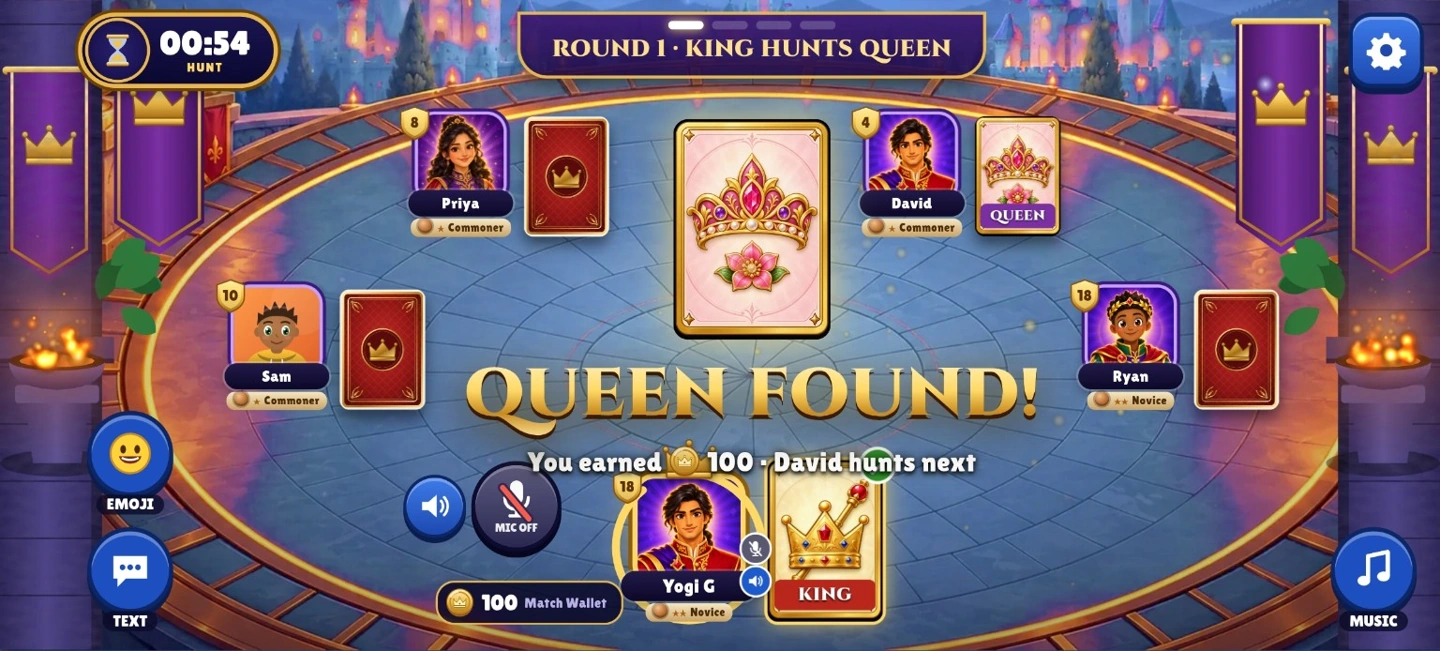
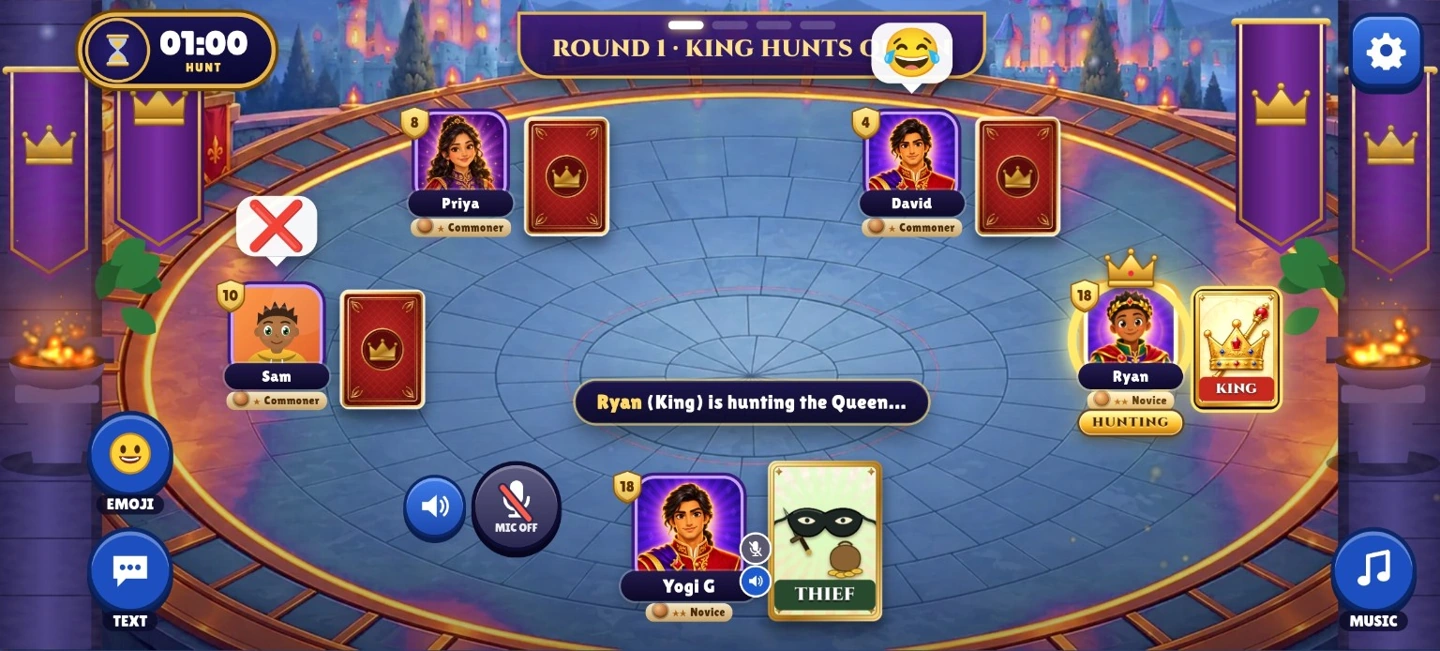
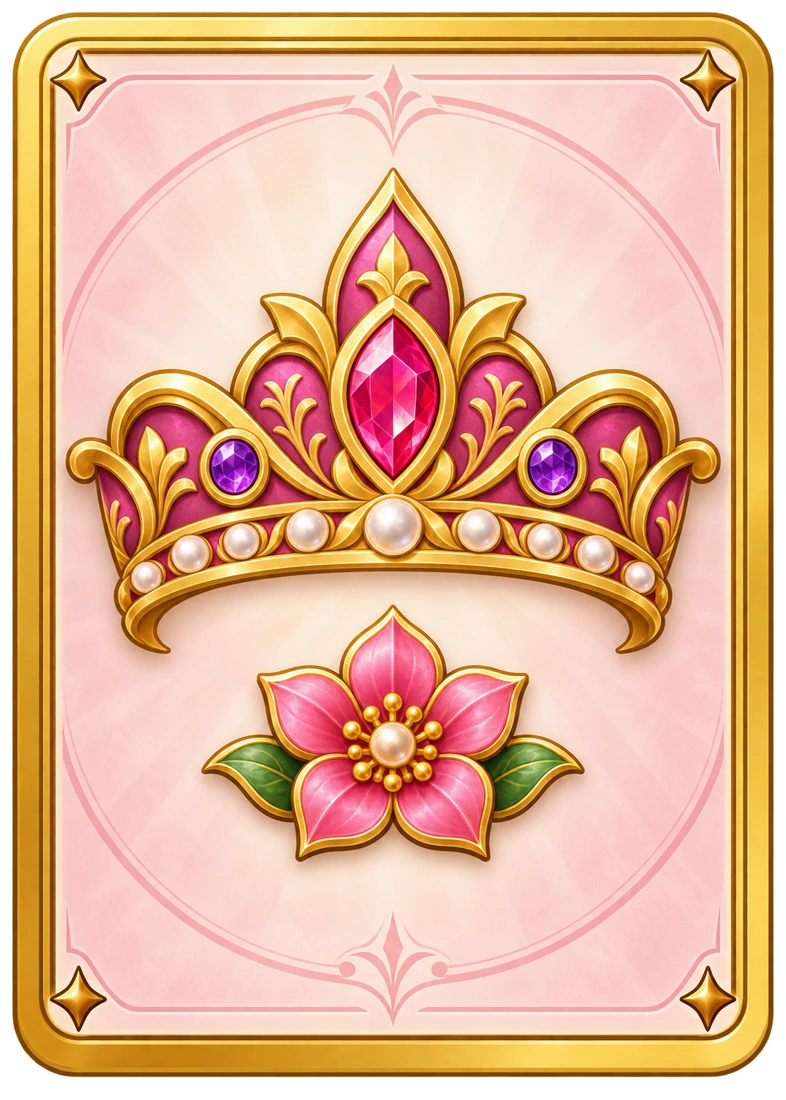
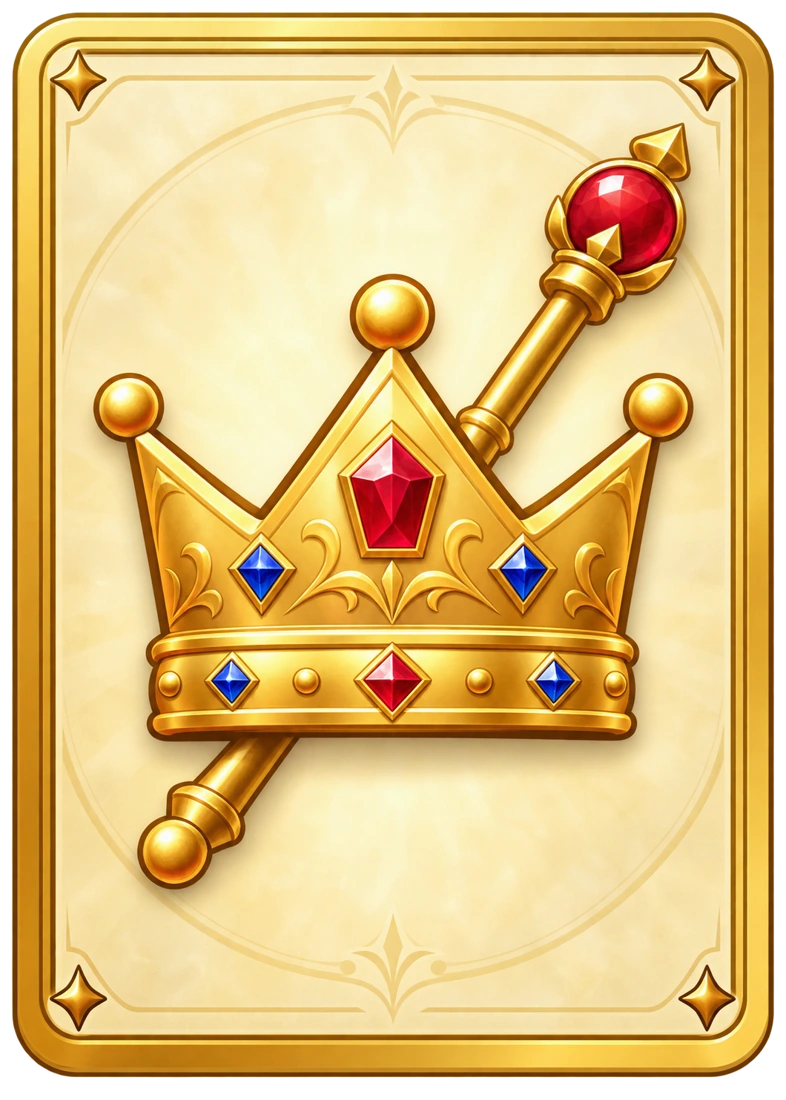
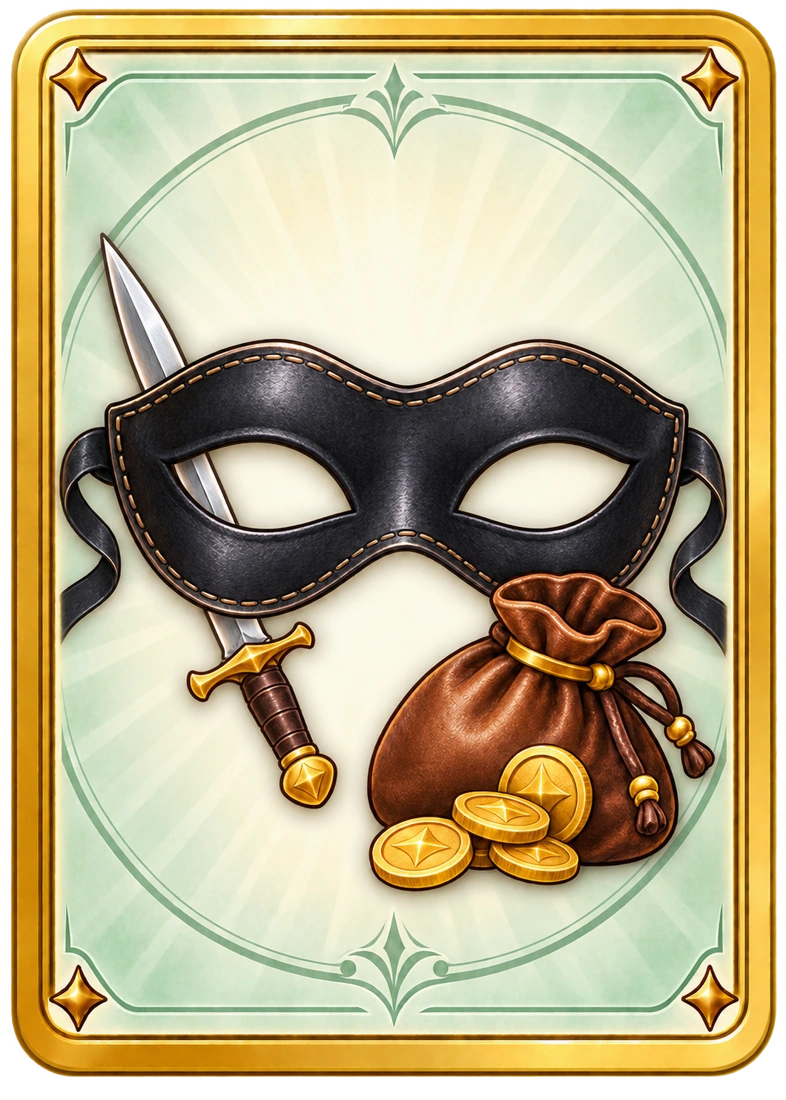
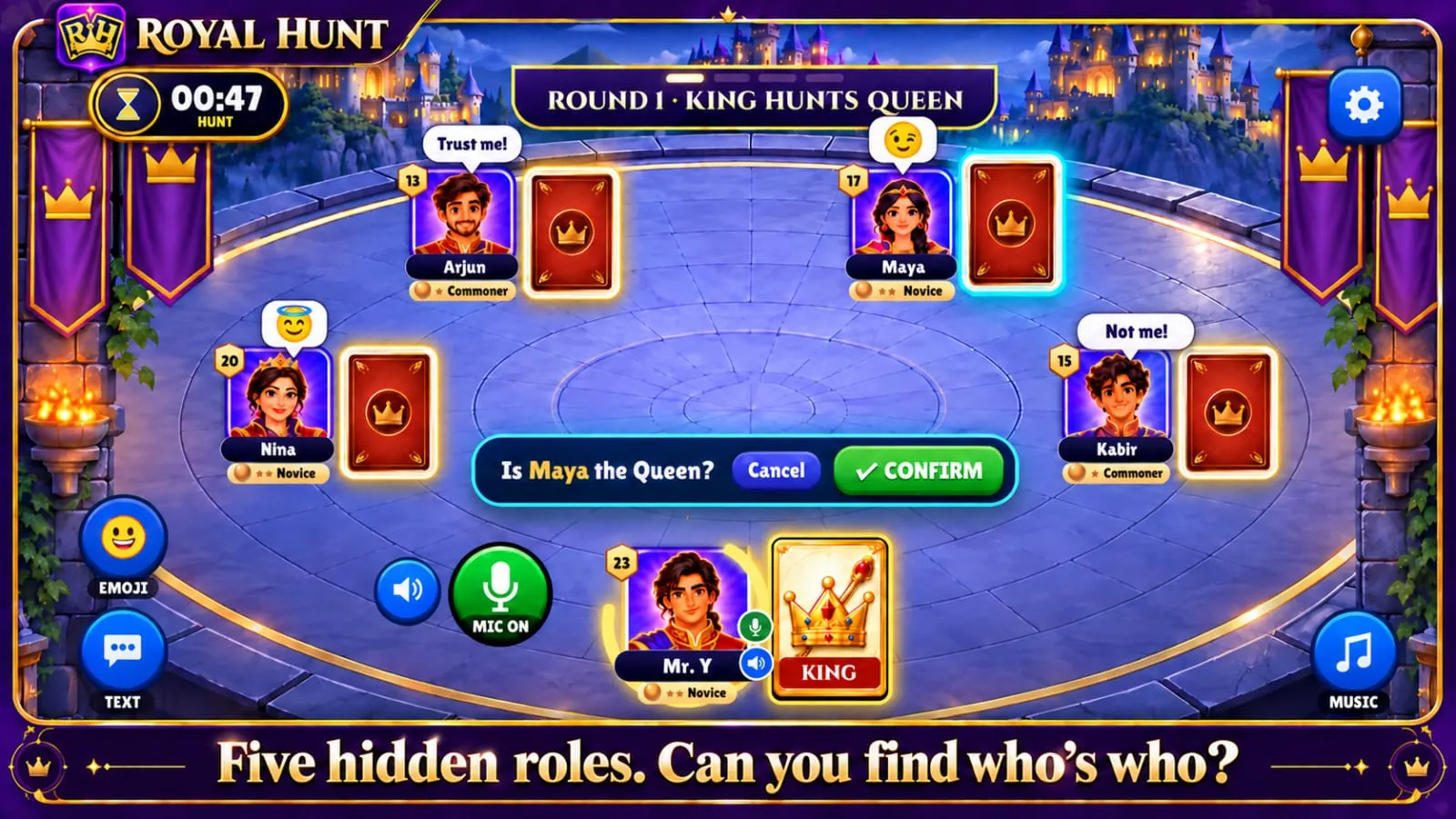
Every match deals five royal cards: King, Queen, Minister, Soldier and Thief. Only the King is shown. The King must find the Queen, the Queen then finds the Minister, and the Minister finds the Soldier. A wrong guess swaps the two players' cards, so the hunter's role, and its points, can change hands at any moment.
Talk, bluff and read the table with live voice chat, quick texts and emojis. Play with strangers in Quick Play or bring friends into a private Room.
How testing works
Fill in the short form with your name, the Gmail address on your phone's Play Store and your phone model.
Join the royal-hunt-testers Google Group with that same account. Google Play shows test builds only to its members.
Open the Royal Hunt testing page, tap Become a tester and install. Play a few matches and tell us what you find.
Questions
Yes. Test builds come from Google Play on Android. Anyone can also play Royal Hunt in a browser at play.royalhunt.in.
Google Play shows test builds only to the Google accounts in our tester group, so we need the address that is signed in to your phone's Play Store.
No. Test builds use the same Royal Hunt account. Sign in with Google and your profile comes with you.
Open the testing page and tap Leave the program. To delete your sign-up too, contact us.